Don't miss our holiday offer - up to 50% OFF!

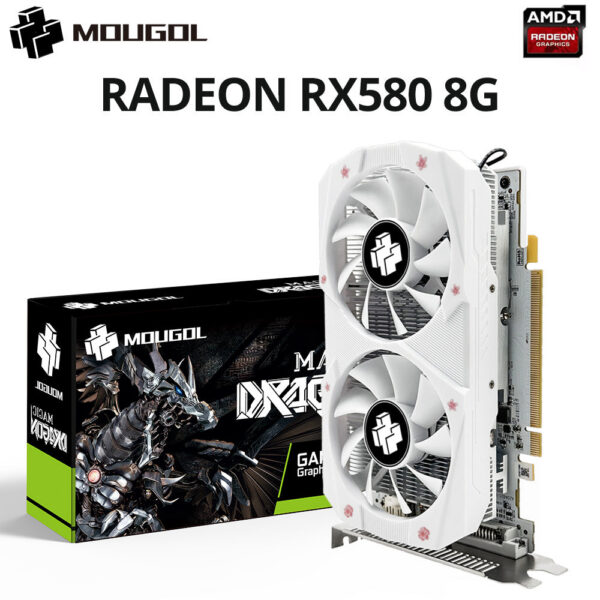
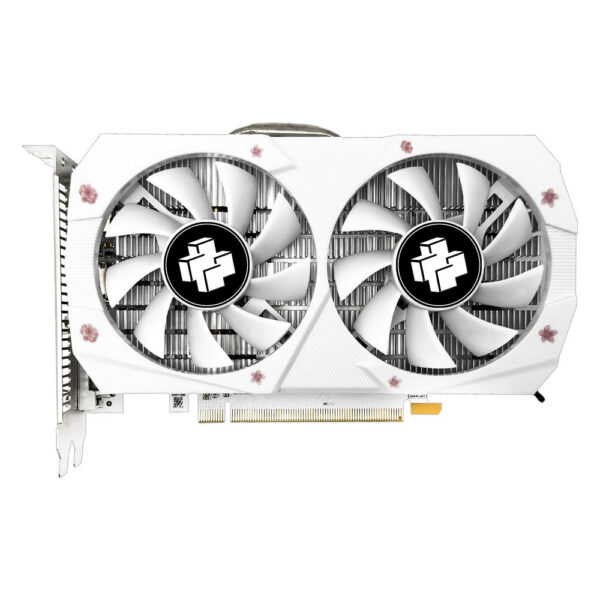
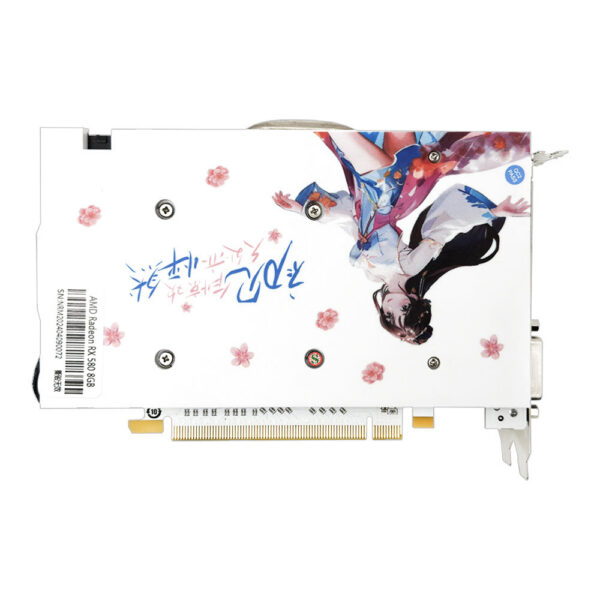
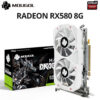
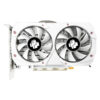
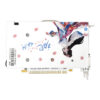
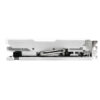
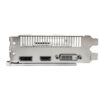
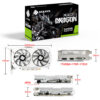
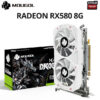
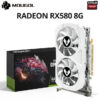
MOUGOL Radeon RX580 2048SP 8G Graphics GDDR5 Memory AMD Gaming Card 256Bit DP DVI Interface Directx12 for Desktop Computers
Original price was: $198.56.$136.46Current price is: $136.46.
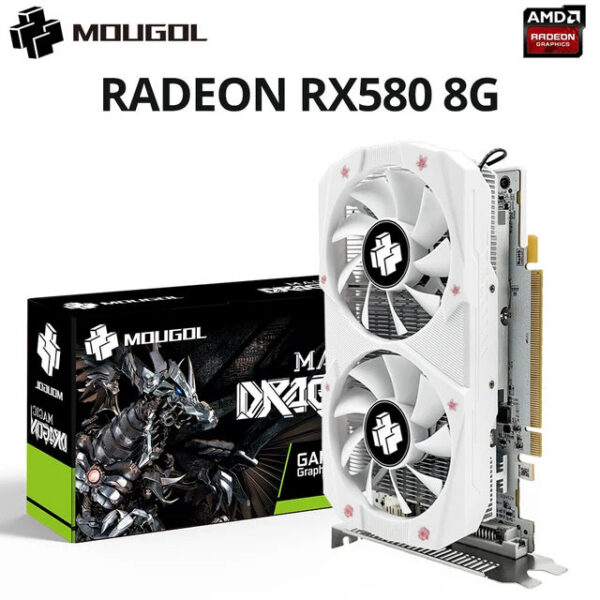
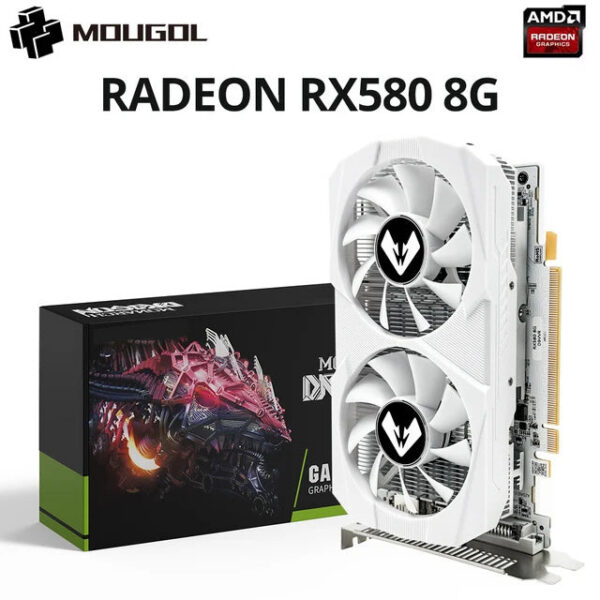
MOUGOL Radeon RX580 2048SP 8G Graphics GDDR5 Memory AMD Gaming Card 256Bit DP DVI Interface Directx12 for Desktop Computers
Note: The memory of this white RX580 8 graphics card is only 1500MHz. If you mind, we do not recommend placing an order
• Powerful GPU :The MOUGOL AMD RX 580 8GB 2048SP gaming graphics card features a powerful AMD RX 580 chip processor, ensuring smooth and efficient graphics performance.
• High-Capacity Memory :Equipped with 256 bit PCI-E 3.0 ×16 8Pin Radeon GPU, this video card offers high-capacity memory, allowing for fast data transfer and quick processing speeds.
• HDCP Ready :The MOUGOL RX 580 video card is HDCP ready, providing secure and high-definition video output for enhanced gaming or multimedia experience.
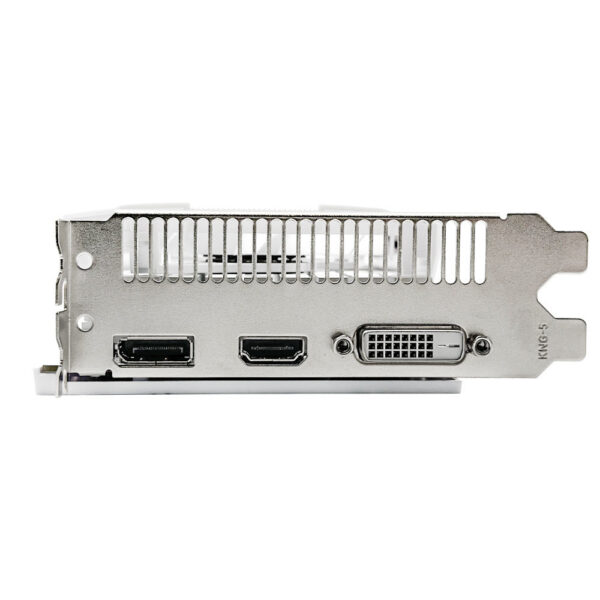
• Versatile Connectivity :With DisplayPort x 1 DVIx1 interface type and PCI Express 3.0 X16 output interface, this graphics card offers versatile connectivity options for various displays and devices.
• Desktop Application :Ideal for desktop applications, this graphics card is perfect for gaming, video editing, or other graphically intensive tasks, offering superior performance and reliability.
MOUGOL RX 580 8G Parameters
• GPU Model: AMD Radeon RX 580 8G 2048SP
• Chip Code: Ellesmere
• Stream Processors: 2048
• Core Frequency(Mhz): 1206MHz
• Memory Clock Speed(Mhz): 7000MHz
• Video Memory Capacity: 8GB
• Video Memory Type: GDDR5
• Video Memory Interface: 256Bit
• Interface Type: PCI Express 3.0 x 16
• DirectX: DirectX 12
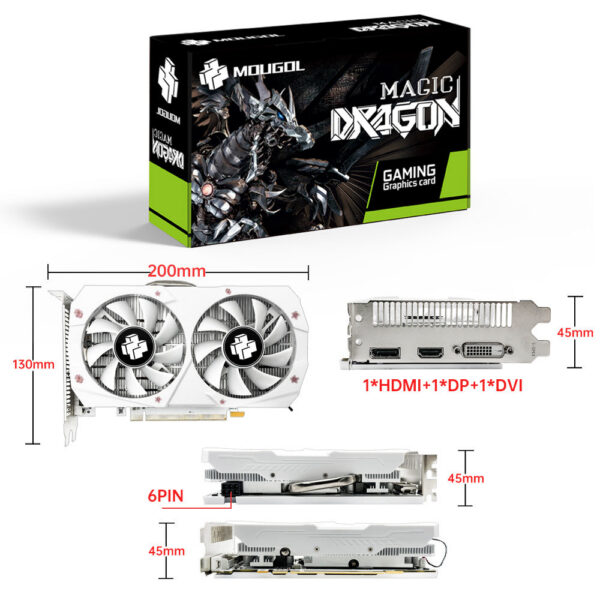
• Output Interface Type: HDMI * 1 DisplayPort * 1 DVI*1
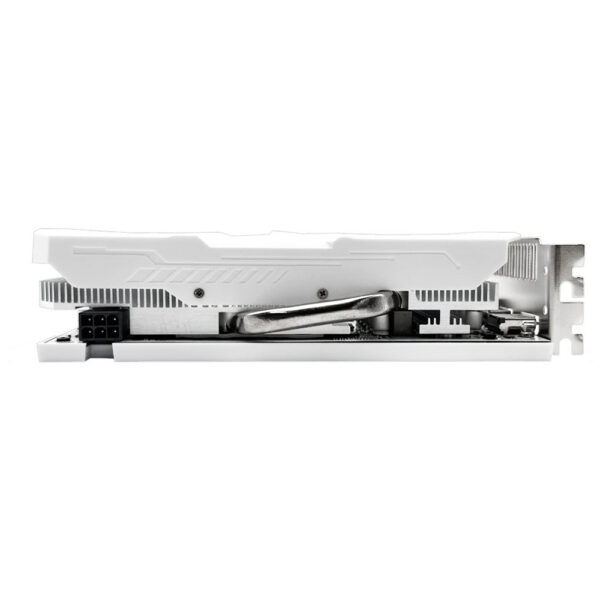
• Power Connector: 6pin
• Recommended minimum power supply :500WRX 580 8GB Test ChartApplication Scenarios3A Game/ Al Drawing/ 3A Render/ Video creating editingFashion and technology coexist,Add beauty to your game gearReal Shot
Packing Procedure
Install the graphics card
1.Turn off the computer and unplug the power cord.
2.Remove the chassis cover and find the PCle slot.(A)
3. Removethe metal back plate at the expansion slot you want to insert the graphics card in.
4. Insert PCle connector (B)to PCle slot and make sure that it is firmly inserted
5. Fix the graphics card to the expansion slot with screw (C)
6. Co nectthe coresponding PCle power connector (D) to he independent power supply inter face (E) on graphics cardNotice:
1. Under normal circumstances, the normal temperature of the graphics card should be between 30-85 ℃
2. Even if the ambient temperature is too high in summer, the normal temperature is between 50-85°C
3. Play some large 3D games and watch some high-definition videos, the graphics card temperature should be around 90℃
4. In fact, as long as the temperature of the graphics card does not exceed 95°C, there is generally no problem.
If the temperature exceeds 95°C, the graphics card will automatically reduce the frequency, so there is no need to worry too much.
Questions and Answers :
Q : Why do golden fingers have scratches
A : Because graphics cards undergo multiple tests before leaving the factory, this is a normal phenomenon and there is no need to worry.
Q : Where can I download the driver?
A : Go to the corresponding official website to download the driver
| Color | RX580 8G, RX580 8G(325e38) |
|---|---|
| Ships From | CHINA |
Related products
-

TTlock Smartkey Lock Box Home Key Wireless Smartlock Box Electronic Key Box App Digital Code Bluetooth Key Safe Padlock for Host
$96.87 -
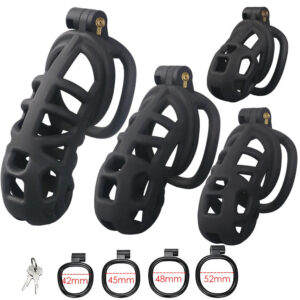
Male Chastity Cage Erotic Urethral Lock Sex Toys Device Penis Ring Male with 4 Size SM Products Cage Chastete Penis Sleeve
Price range: $23.74 through $25.10Select options This product has multiple variants. The options may be chosen on the product page -

MODIAN Simple Eternity Moissanite Ring 925 Sterling Silver Sparkling Simple Thin Wedding Band Rings For Women Fine Jewelry Gift
Price range: $35.92 through $36.10Select options This product has multiple variants. The options may be chosen on the product page -

R5 PRO Rust Proof Coating Fingerprint TTLock App Outdoor Lock Remote Control Power Saving Code Smart Door Lock Electric Rim Lock
$198.90
Reviews
There are no reviews yet.