Strong wind
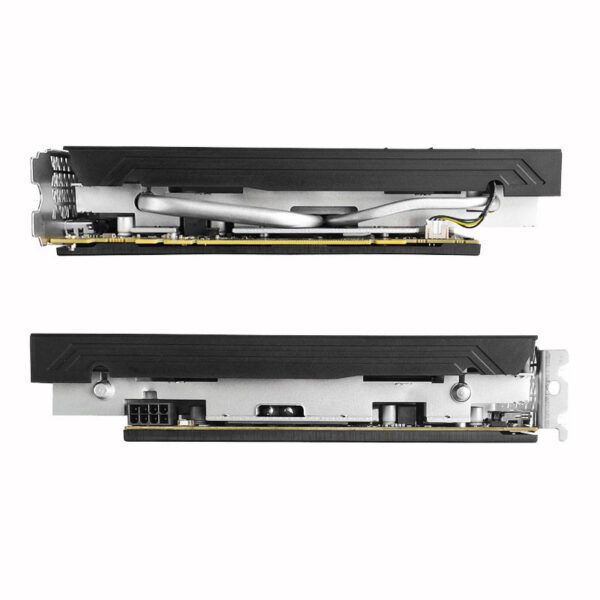
Direct copper contact And Power interface
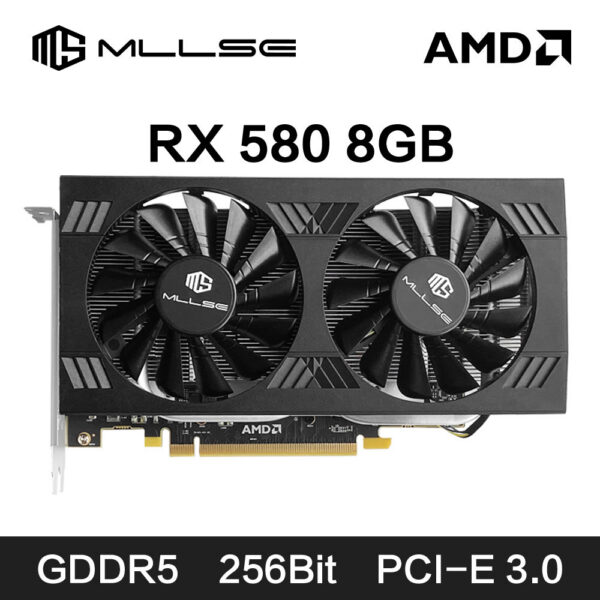
* With the large-area heat dissipation fins, it conducts heat quickly, dissipates heat quickly, cools down quickly, and is not afraid of the high temperature of the game under full load.
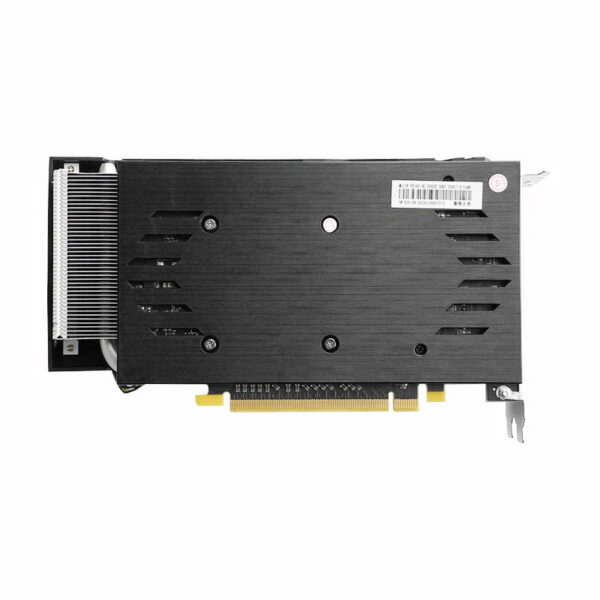
* 8Pin Power interfaceFull Size Backplate
Protect the PCBPower Consumption 150W
High Performance Low Power Consumption , Being relaxed about gaming one whole day
4K HD Display
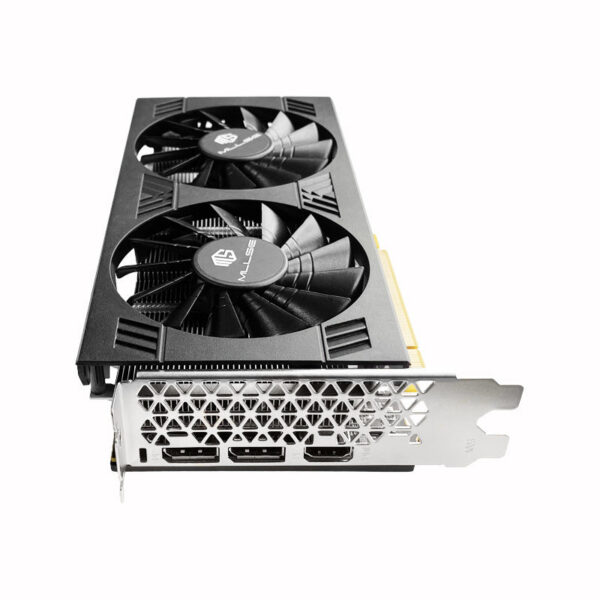
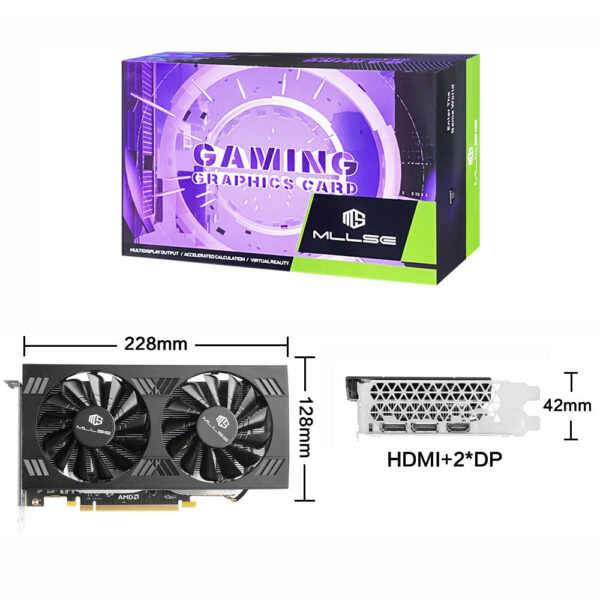
DP+HD two mainstream high-definition outputs Smooth interface and high-definition game visual experience.
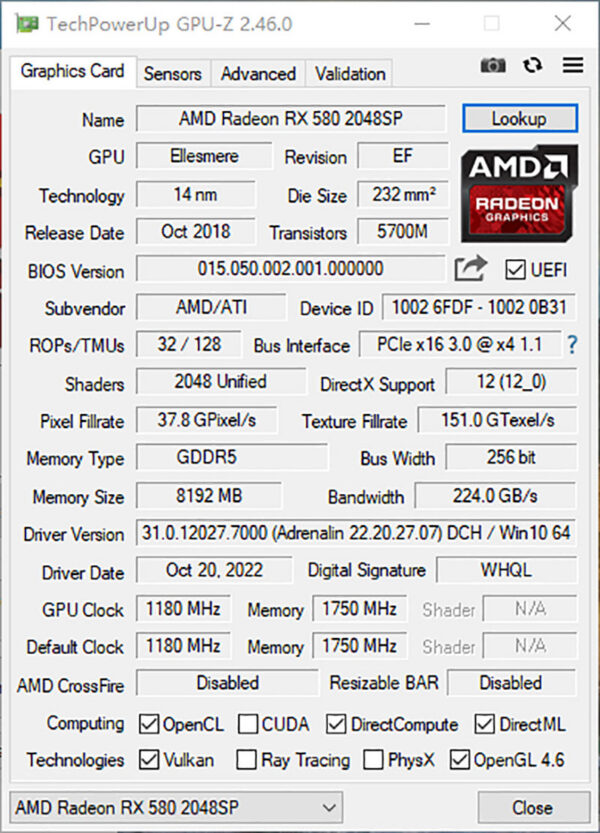
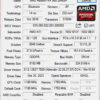
RX 580 8G 2048SP Test Chart
Packaging includes :
Graphics Card*1
Warranty Card*1
User Manual*1
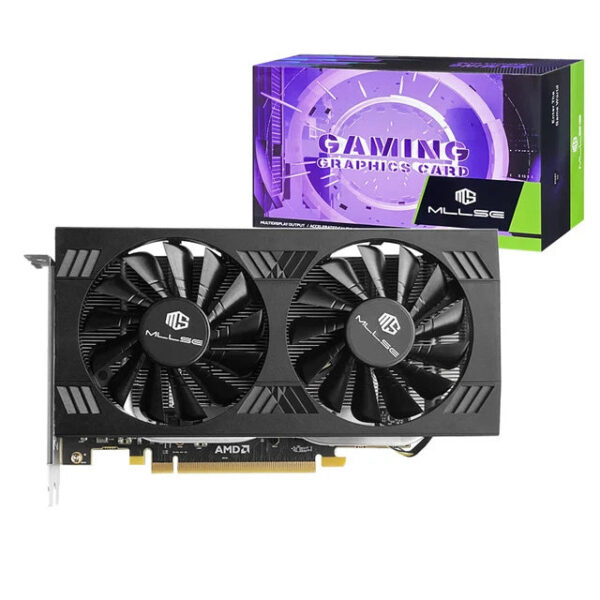
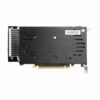
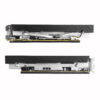
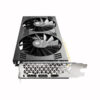
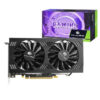
Fix screw*2RX 580 8GB 2048SP Real Photo Display
Install the graphics card
1.Turn off the computer and unplug the power cord.
2.Remove the chassis cover and find the PCle slot.(A)
3. Removethe metal back plate at the expansion slot you want to insert the graphics card in.
4. Insert PCle connector (B)to PCle slot and make sure that it is firmly inserted
5. Fix the graphics card to the expansion slot with screw (C)
6. Co nectthe coresponding PCle power connector (D) to he independent power supply inter face (E) on graphics card
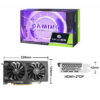
Packaging Display
Notice:
1. Under normal circumstances, the normal temperature of the graphics card should be between 30-85 ℃
2. Even if the ambient temperature is too high in summer, the normal temperature is between 50-85°C
3. Play some large 3D games and watch some high-definition videos, the graphics card temperature should be around 90℃
4. In fact, as long as the temperature of the graphics card does not exceed 95°C, there is generally no problem.
If the temperature exceeds 95°C, the graphics card will automatically reduce the frequency, so there is no need to worry too much.
Questions and Answers :
Q : Why do golden fingers have scratches
A : Because graphics cards undergo multiple tests before leaving the factory, this is a normal phenomenon and there is no need to worry.
Q : Where can I download the driver?
A : Go to the corresponding official website to download the driver
Reviews
There are no reviews yet.
Be the first to review “MLLSE AMD RX 8GB 2048SP Graphics Card GDDR5 256Bit PCI-E 3.0 ×16 8Pin Radeon GPU Rx 580 Gaming Placa De Video”Cancel Reply





Reviews
There are no reviews yet.