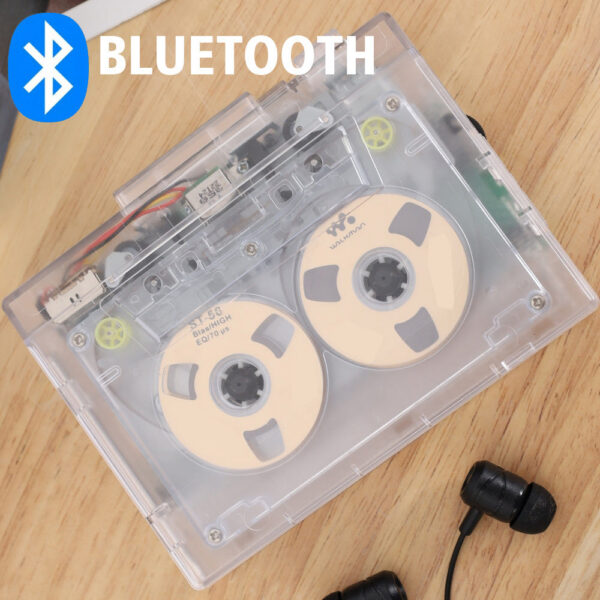
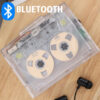
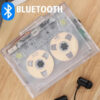
Transparent Tape Player Bluetooth5.0 tape player HIFI Sound Retro Nostalgia Dual Track Can Automatically Flip TapeFeature:
Specification parameter
Input voltage
DC 5V(2 No. 5 dry batteries)
Output voltage
DC5V
Output current
400MA
Output power
2 W
Tape speed
Standard 4.76±5%
Recording rate
128KPS
Data protocol
USB2.0
LED indication
White light Blue light 2 LED
Track form
Two-channel
Operation Instructions:
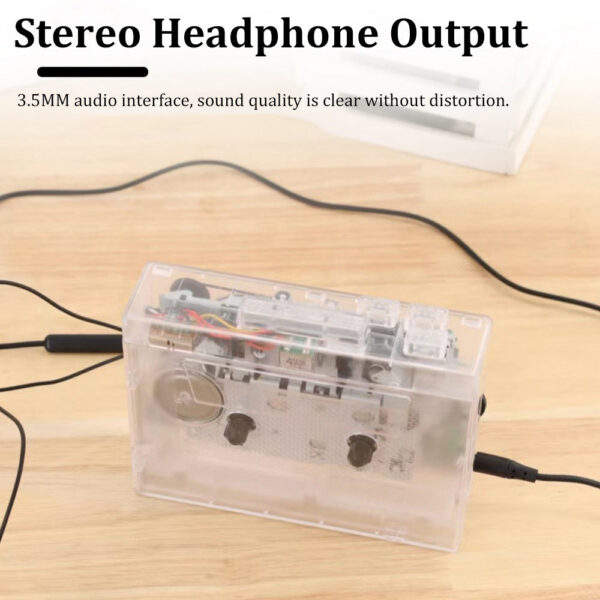
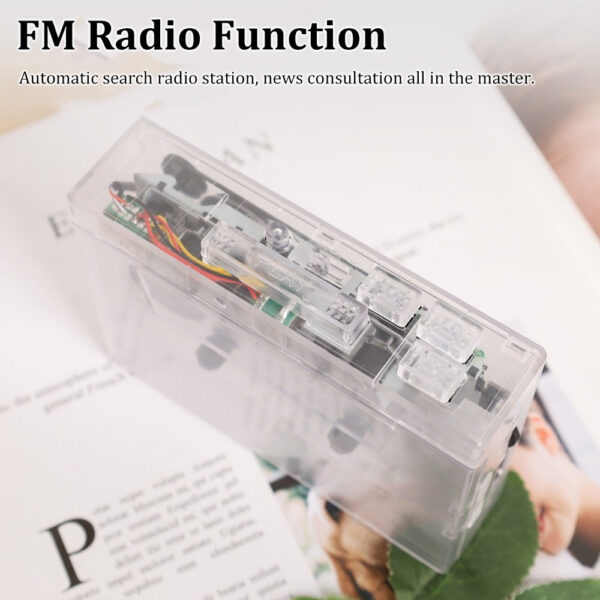
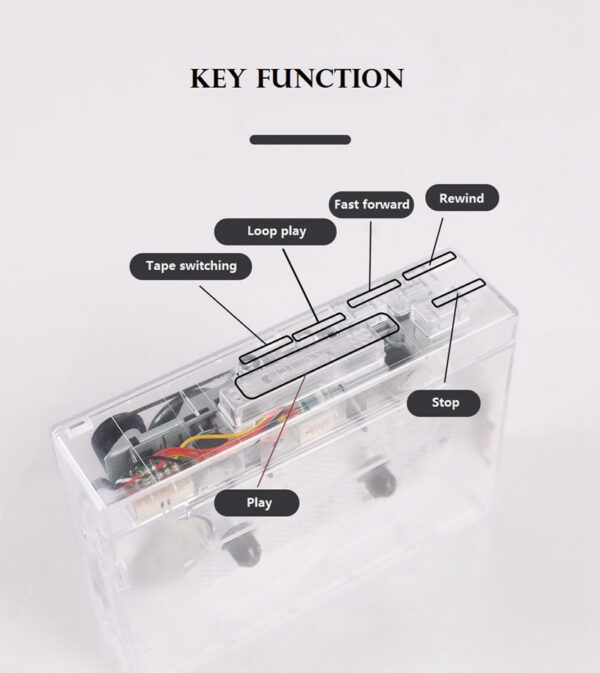
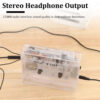
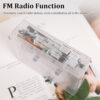
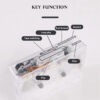
How do I play a tape?1. Headphone jack: Use the headphone slot to enjoy music;2. When playing music, you can use the volume control knob to adjust the volume;3. Press DIR to automatically reverse the tape.4. Press PLAY to play the tape.5. Play mode: Select the operation when the tape reaches the end of one end. If the position is set to the loop icon, the tape will startMove to switch directions and start playing the opposite side after the face is finished, when set to a single arrow iconWhen one side of the tape is played, the tape will automatically stop playing.6. Press the F.F button to fast forward the tape;7. Press REW to rewind the tape.8. Press STOP to stop playing the tape.How do I connect to Bluetooth receiving devices?(When using Bluetooth, please use the power cord for power supply)Please confirm that the Bluetooth receiving device is enabled.Tooth receiver: When the device is paired successfully, the white LED light will be on. After loading the tape, press PLAYButton to play tape. When searching for pairing via Bluetooth, the earphone slot cannot be inserted into the earphone, otherwise it cannot be searched automatically.2. Hold down the Bluetooth Power button for 3 seconds to turn off the Bluetooth. If the Bluetooth is powered on, the Bluetooth receiver is not connected for a long timeOn, LED white light flash Bluetooth automatic shutdown.How to connect mobile phone Bluetooth and switch FM radio? (Note: Mobile phone connectivity is available only in version K66-1)1. Insert the earphone (or speaker equipped with 3.5mm Aux plug) into the earphone jack, long press the Bluetooth power button for 3 seconds to start up.Press the FM button to switch the Bluetooth or FM radio. When the Bluetooth is connected, the ED blue light will keep on, and when the FM radio is onL ED blue light flashing.2. When the voice prompts for Bluetooth connection, turn on the Bluetooth of the mobile phone, search for and match the device name HC01, BluetoothAfter the connection is successful, the L ED blue light will be steady on, and the music in the phone will be played through the earphone or the speaker with 3.5mm connector, shortPress + or – button to switch songs, long press + or – to adjust the volume, or directly use the phone to adjust the volumeNode volume.3. The use of FM radio mode, press the symbol | button began to search automatically record radio channel, channel after the recordPress + or – to switch the broadcast channel, and hold down + or – to adjust the volume.4. Tape cannot be played when the mobile phone is connected to Bluetooth or switched to FM radio.Specification Parameters:Input voltage: DC 5V (2 No.5 dry batteries) (excluding)Output voltage: DC 5VOutput current: 400mAOutput power: 2WTrack form: dual-channel stereo soundTape walking speed: standard 4.76 soil 5%Bluetooth version: V5.0Transmission distance: 10M (no object obstacle)Indication function: LED white light and blue light
Note: Power Mode1.Use the matching DC5 power cord to supply power, suitable for home use2.Use 2 AA batteries for power supply, suitable for goingout (The courier is not equipped with batteries, please purchase by yourself)
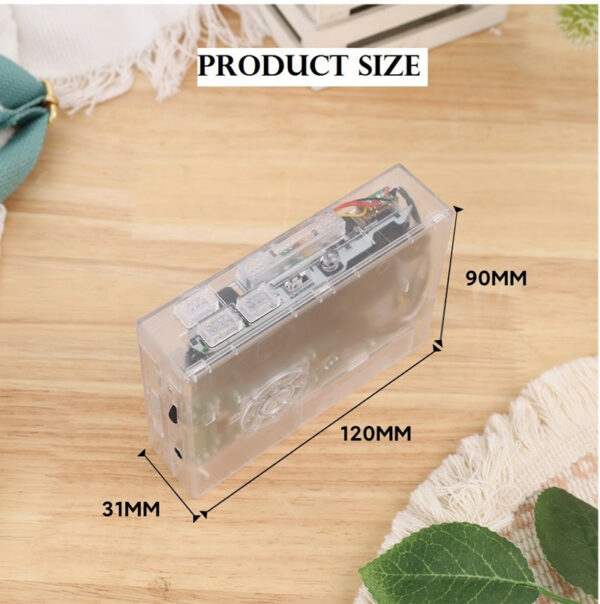
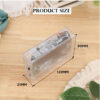
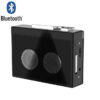
Product introductionThis product is a Bluetooth tape playerwithplayback, fast forward, and rewind、Detailed parameters:Appearance size: 120*90*31mmInput voltage: DC5V (twoNo. 5 dry batteries) Output current: 400mA (Max) output power: 2.0W (Max) Audio track format: two-channel stereo tape speed:standard4.76±5% Bluetooth version: V5.0Bluetooth distance: 0.1-10mLEDindicator: white lightblue light(2 LED) wordInstructionsHow to play tapes?1. Headphone jack: Use the headphone insert slot to enjoy music2. When playing music, you can use the volume control knob to adjust the volume;3. Press the DR button to reverse the tape automatically;4. Press the PLAY button to play the tape;5. Play Mode: Select the operation when the tape reaches the end of one end, when set to the position of the loop icon, the tape will automatically switch directions, and start playing the opposite side after one side is played, when set to a single arrow icon, the tape will Automatically stop playing the tape after one side has finished playing;6. Press the FF button to fast-forward the tape;7. Press the REW button to rewind the tape;8. Press the STOP button to stop playing the tape.
Color
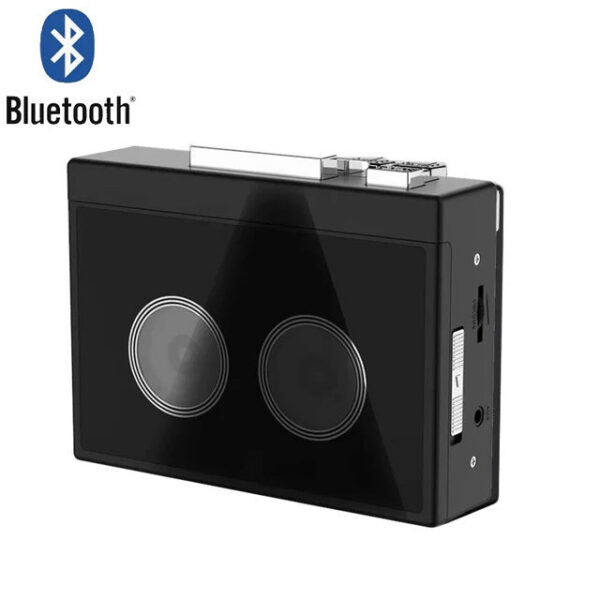
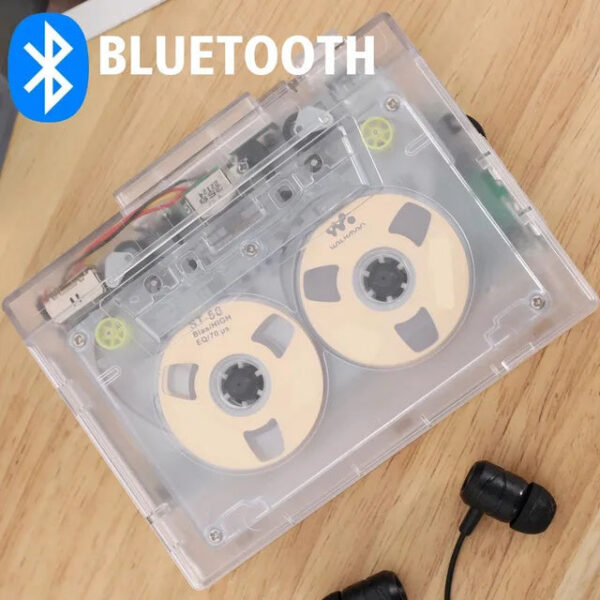
Black, transparent
Reviews
There are no reviews yet.
Be the first to review “HIFI Sound Retro Nostalgia Bluetooth5.0 tape player Transparent PlayerDual Track Can Automatically Flip Tape”Cancel Reply






Reviews
There are no reviews yet.