Don't miss our holiday offer - up to 50% OFF!

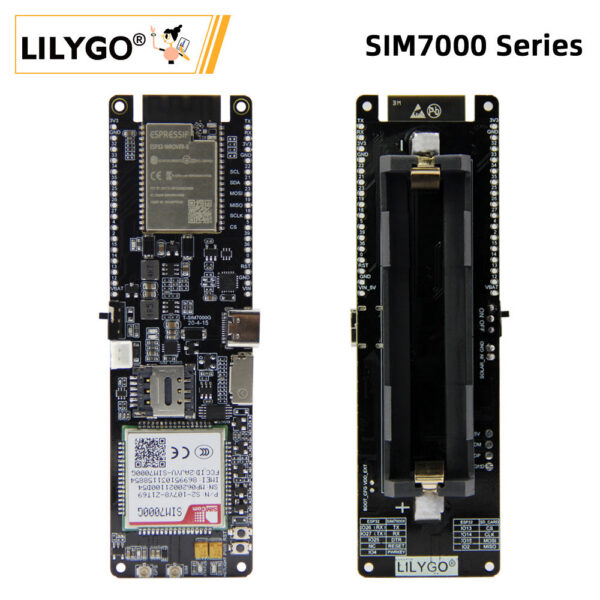
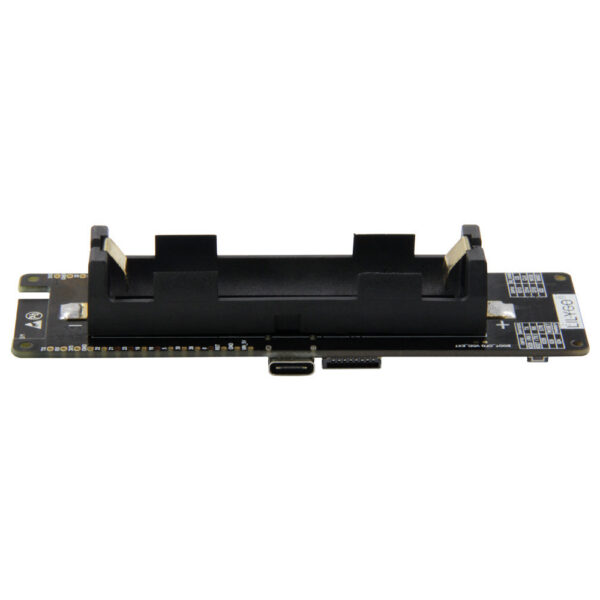
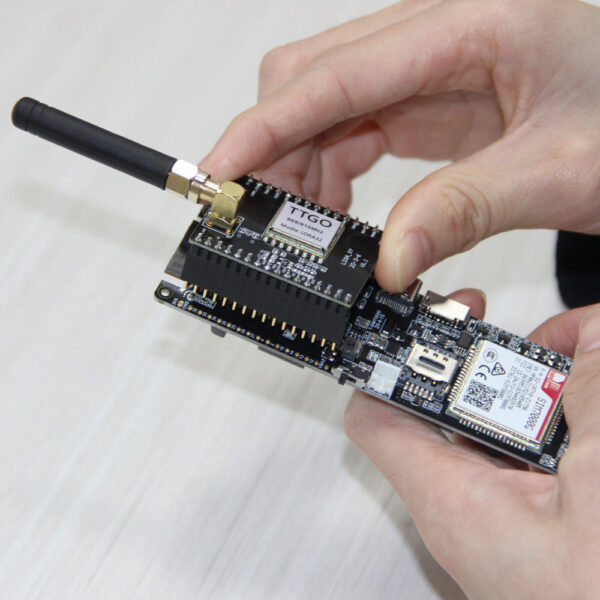
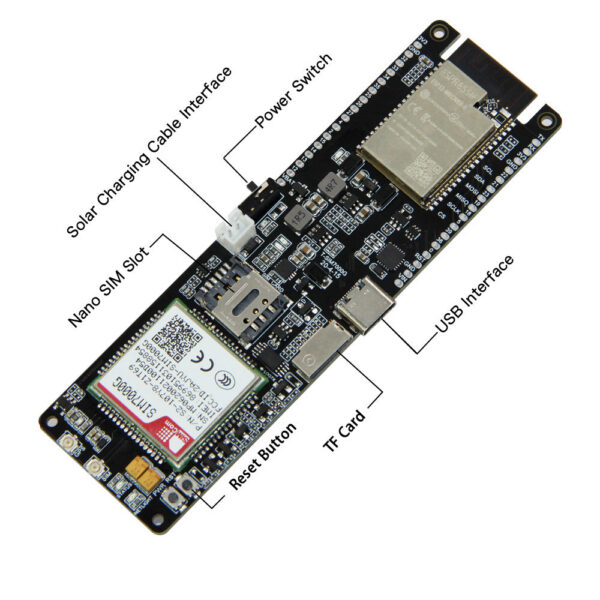
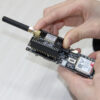
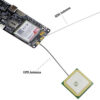
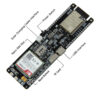
LILYGO® TTGO T-SIM7000G SIM Development Board ESP32 WiFi Bluetooth GPS Module SIM7000G SIM7000E SIM7000A SIM7000JC 4/16MB Flash
Price range: $63.38 through $68.46
LILYGO® TTGO T-SIM7000G SIM Development Board ESP32 WiFi Bluetooth GPS Module SIM7000G SIM7000E SIM7000A SIM7000JC 4/16MB Flash
Version update includes:
Enhanced battery protection against reverse polarity, overcharging, and over-discharging.
Improved GPS power management to reduce power consumption, with a minimum sleep mode power of 300uA.
Notes for new Users:
SIM7000/SIM707G does not support a 4G network. Please ensure that the USIM card you use supports 2G(GSM)/NB-IOT access, SIM7070 positioning and cellular cannot be used simultaneously. Please disconnect the network when positioning, and turn off GPS when connecting to the network
More information:
Github:
https://github.com/Xinyuan-LilyGO/LilyGO-T-SIM7000G
Notice:
This module is a development board designed for verification test experiments.
When purchasing, it must be used in compliance with local wireless management regulations, including the selection of frequencies that comply with local laws.
T-SIM7000
T-SIM7070
T-SIM7600
A7608
A7670
SIM800
Not Support 4G
Not Support 4G
Support 4G
Support 4G
Support 4G
Not Support 4G
T-SIM7000G can be used with Lora 868/915Mhz function Shield
https://www.aaaaaaa.com/item/1005001625046691.html
16PIN 2.54mm Terminal Screw Terminals Block Connector 150V 6A
https://www.aaaaaaa.com/item/1005004443741735.html
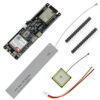
What’s in the box?
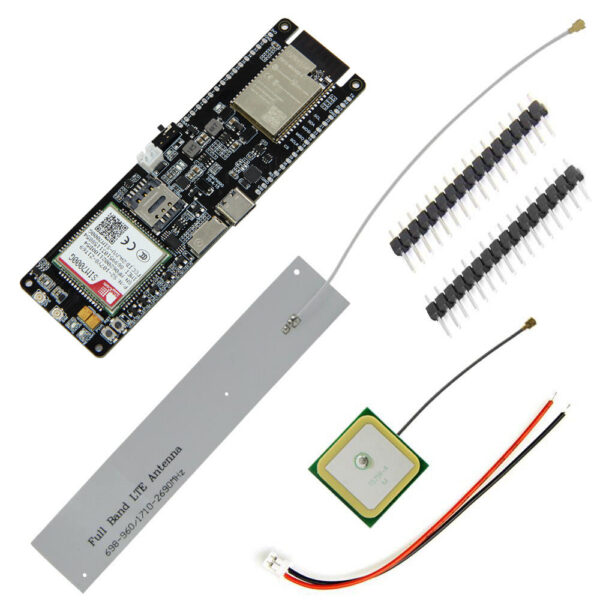
1x T-SIM7000
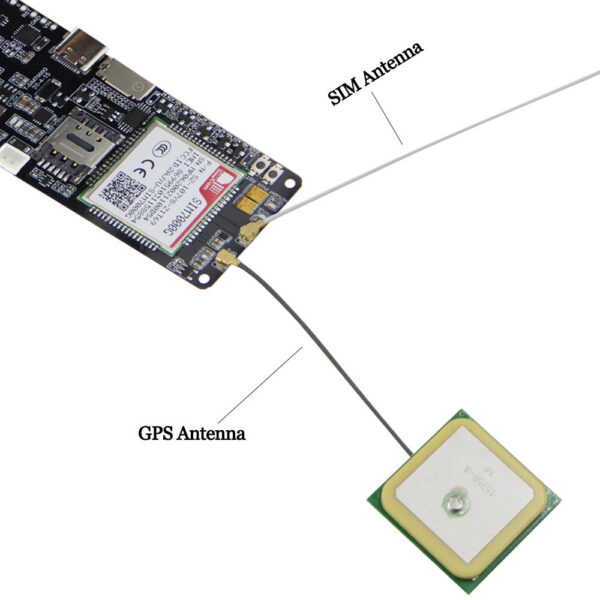
1x SIM antenna
1x GPS antenna
1x Power cable
2x Pin
Notes for new Users
SIM7000/SIM707G does not support a 4G network. Please ensure that the USIM card you use supports 2G(GSM)/NB-IOT access,SIM7070 positioning and cellular cannot be used simultaneously. Please disconnect the network when positioning, and turn off GPS when connecting to the network
Recommended solar panels are 4.4v to 6v DO NOT EXCEED OR BOARD MAY BE DAMAGED
When an SD card in you can not upload software in Arduino IDE since the SD card uses IO2 as CS, the SD card must be removed when uploading a new sketch.
On Version 20200415, When using GPS the SIM7000G(GPIO4)/SIM7070G(GPIO5)(Physical pin number 48) needs to be set to HIGH to enable the antenna modem.sendAT(“+CGPIO=0,48,1,1”); once finished the pin can be set LOW modem.sendAT(“+CGPIO=0,48,1,0”); to prevent power leaking to the GPS antenna, This will make help battery life. If using USB or battery life is not a concern, it can be left HIGH.
If you are unable to access the network, please try
How to change the connection method?
For example, the Arduino_TinyGSM/AllFunctions.ino , you only need to change modem.setNetworkMode(38); to the corresponding number, and your network access speed depends on the carrier of the SIM card you use. Before using it, you can communicate with the operator of your SIM card.
The effect is as follows:
11. The initial network registration may be slow. Please be patient. You can configure the locked band as shown in the following figure.
12. How to update firmware?
| Color | SIM7000G 16MB, SIM7000G 4MB, SIM7000E 4MB, SIM7000A 4MB, SIM7000JC 4MB |
|---|---|
| Ships From | CHINA |
Related products
-

MODIAN 0.5Ct Rhombus Moissanite Ring 925 Sterling Silver Sparkling Lab Created Diamond Wedding Rings For Women Bridal Jewelry
Price range: $46.26 through $46.48Select options This product has multiple variants. The options may be chosen on the product page -

MODIAN D Color Moissanite Stud Earrings Round Cut Lab Created Diamond 925 Sterling Silver Silver Bridal Jewelry For Women Gifts
$49.00 -

MODIAN 925 Sterling Silver Exquisite Eternity Band Paraiba Color CZ Ring Mint Green Stackable Rings For Women Fine Jewelry
Price range: $29.34 through $44.28Select options This product has multiple variants. The options may be chosen on the product page -

R5 PRO Rust Proof Coating Fingerprint TTLock App Outdoor Lock Remote Control Power Saving Code Smart Door Lock Electric Rim Lock
$198.90
Reviews
There are no reviews yet.