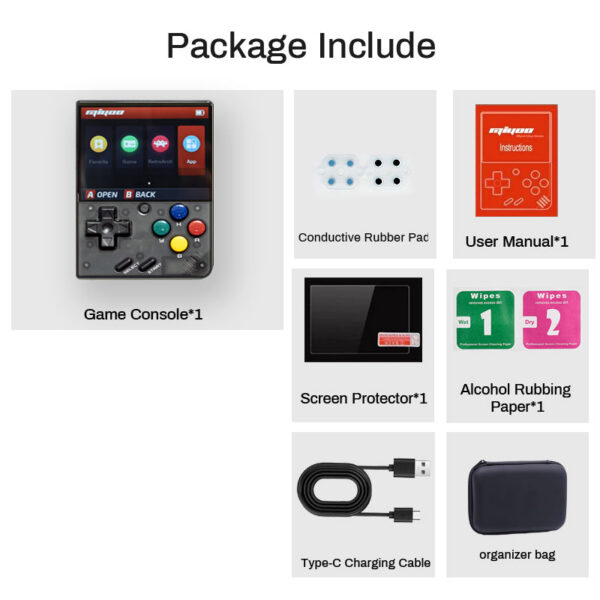
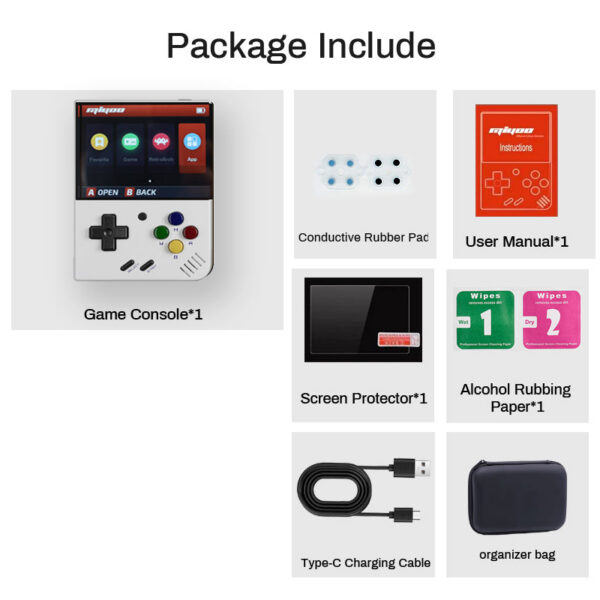
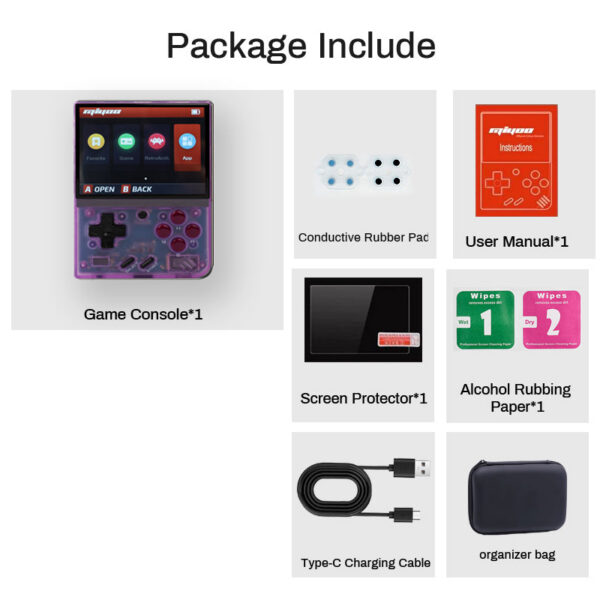
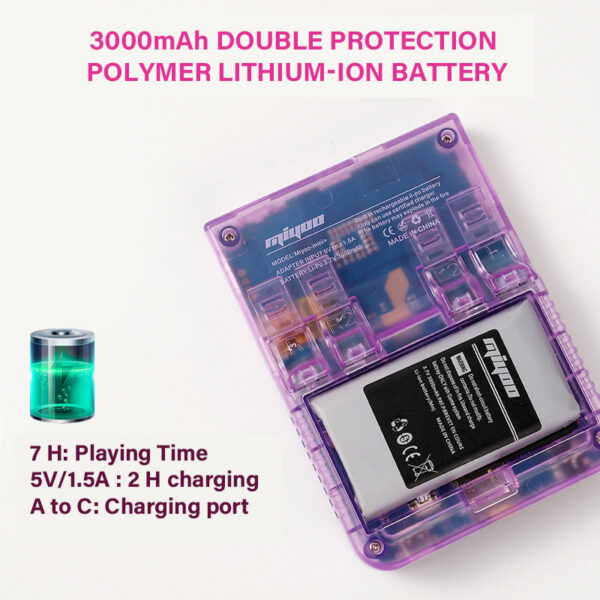
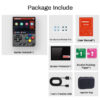
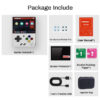
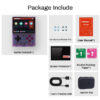
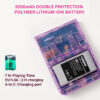
Note:Please Use A Single Protocol 5V / 1.5A Charger, Which Only Supports A to C Charging Cable, Does Not Support Quick Charging Cable.About the package: not only include the console, cable, card,card reader, manual, screen protector, alcohol rubbing paper, also include one free case& conductive rubber pad.
Question answering :Start using1. Insert the TF card that has been installed with the game into the TF card slot;2. Charge the equipment to ensure normal startup;3. Start Up: press the power key for 1 seconds.How to install games?1. Take the TF card out of the machine,insert the card reader to connect tothe computer,and copy the “Game ROM” to the folder of the corresponding game type in the TF card;2. Insert the TF card into the TF card slot,Press [MENU] to open the MENU, and select “Refresh ROM”.On-offBoot: long press the power supply for 1 secondsShutdown: press the power supply for 3 seconds to open the shutdown menu, and press [A] to shut down.Idle mode, sleep mode,and wake up60 seconds no operation enters the idle mode, and the screen becomes dark;In idle mode, press any button to wake up;No operation for 5 minutes or short press the power key to enter the sleep mode, close the screen and sound,and automatically shut down after 10 minutes without operation after entering the sleep mode,You can set the sleep time or disable sleep in the settings options;In sleep mode, press the power key to wake up.Firmware Upgrade1. Shutdown status.2. Place the Mirror file in the root directory of the TF card,Insert the TF card slot and connect the charging line to enter the charging mode, and the nautomaticallystart up and upgrade.Do not power off during the upgrade.Start usingIn the game catalog, select a game and press[A]Start the game.Exit the gameIn the game, Press [MENU] to open the MENU, select the “Exit” option, and press [A] to Exit the game.Save or read game progressIn the game, Press [MENU] to open the MENU, select the “Save” or “Load” option,press the direction key [LEFT, RIGHT] to select the recording position, press [A] tosave or read the current progress. A game can save up to 10 records.Setvolume, sleep time, which can be modified by the direction key [LEFT, RIGHT];Select setting items: Language, key mapping,System Restore, etc., and press [A] to enter the corresponding setting page.Pay attention to the following security precautions when using itDo not spray any liquid on the machine body to avoid damage caused by liquid entering the machine;Do not modify, repair or disassemble the product;Do not use any diluent or volatile liquid to clean this product;Avoid exposure to high temperature or direct contact with flame.Notice before purchase:Due to compatibility issues between the chip and the game, some games may not be playable, this is a normal phenomenon, if you mind,please do not buy,if you propose a refund because of this problem, we will not take over, thank you!!
About Your Shipment:
Preparation Time: The delivery will take approximately 1 week after payment is made, and will be shipped via air express. Please ensure your address is correct when placing your order. If you need to make changes before shipment, please inform us of the updated address.
Contact Us: We strive to provide excellent service. If you have any questions, please feel free to reach out to us. We will respond promptly and do our best to resolve any issues.
About Guarantee: Failed to receive after 60 days of purchase date or not satisfied. We will either issue you a refund or resend a new item. Guaranteed!
Color
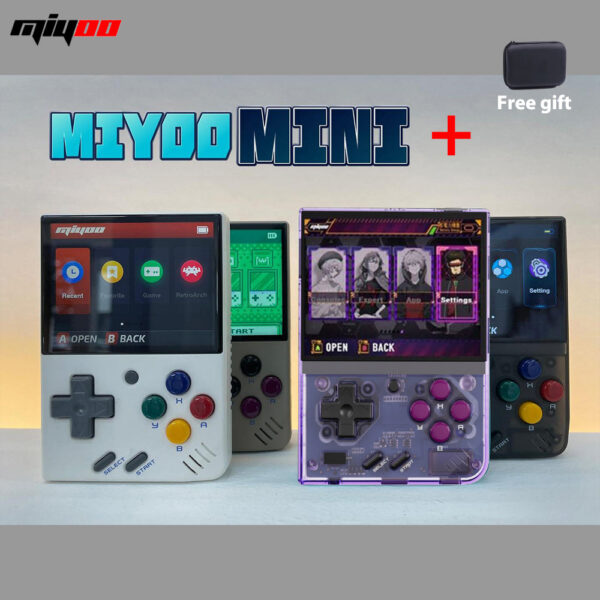
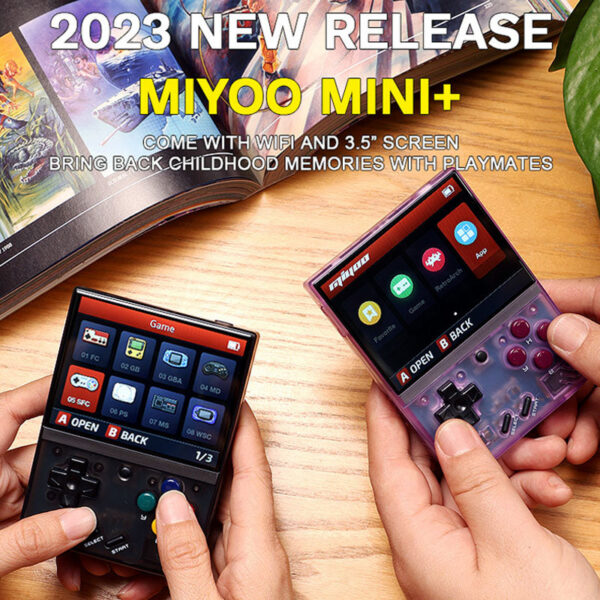
Black, Gray, Purple, White
Bundle
64G Card With Games, 128G Card With Games
Reviews
There are no reviews yet.
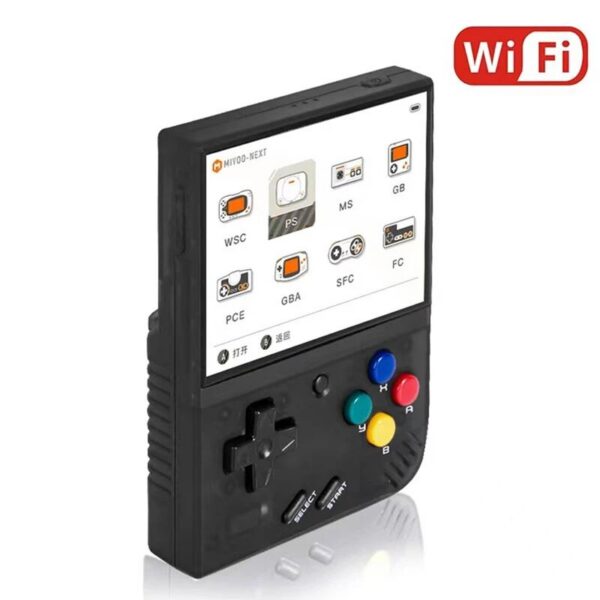
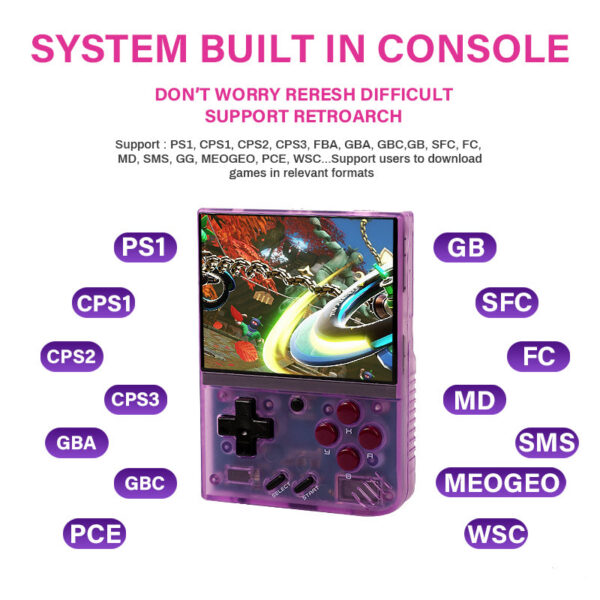
Be the first to review “MIYOO MINI + Plus Portable Handheld Retro Game Console 3.5” IPS HD Screen WIFI Open Source Linux System Compatible with Onion OS”Cancel Reply





Reviews
There are no reviews yet.